Moving Companies for Businesses: How to Avoid Downtime
Office moves fail in a very specific way: the trucks show up on time, the furniture arrives intact, and your business still loses money because teams cannot work. Phones are unplugged, Wi‑Fi is down, critical files are in the wrong place, and the first day back becomes a scramble.
Office moves fail in a very specific way: the trucks show up on time, the furniture arrives intact, and your business still loses money because teams cannot work. Phones are unplugged, Wi‑Fi is down, critical files are in the wrong place, and the first day back becomes a scramble.
That is why moving companies for businesses should be evaluated on one primary outcome, how well they prevent downtime, not just how fast they can load a truck.
Below is a practical, operations-first guide to planning a business relocation so your company stays productive, your IT comes back online quickly, and your team is not stuck waiting on the “last box.”
What “downtime” really looks like during a business move
Downtime is not only “the office is closed.” It is any period where your revenue, customer service, or internal operations slow down because the workplace is not fully functional.
Common downtime triggers include:
IT and connectivity gaps (internet install misses, missing cables, untested access points, equipment moved without a plan)
Phones and conferencing (VoIP handsets, conference rooms, and meeting tech not mapped and staged)
Access and building constraints (elevator reservations, loading dock rules, COI requirements, parking permits)
Lost time finding essentials (labels that do not map to rooms, shared supplies packed “somewhere,” missing keys or badges)
Security interruptions (alarm systems, door access, server room access controls)
A commercial move that avoids downtime treats these as first-class workstreams, not move-day surprises.
Start with a “downtime budget” before you call movers
Before requesting quotes, define how much interruption your business can actually tolerate. This keeps planning realistic and makes proposals easy to compare.
Clarify three decisions:
Your downtime budget: Is your goal “zero downtime,” “one weekend,” or “one business day with limited services”? Different targets require different staffing, staging, and sequencing.
Your critical services list: For example, customer support phones, point of sale, finance access, clinical operations, warehouse shipping, or production equipment.
Your move window: After-hours, weekend, holiday, or phased (department by department). The window drives labor, logistics, and building coordination.
If you do nothing else, create a one-page document that answers: What must be running by 9 a.m. on day one?
What to look for in moving companies for businesses (with downtime in mind)
Many movers can transport desks. Fewer can run a coordinated relocation that respects building rules, protects sensitive equipment, and supports an IT cutover plan.
When vetting moving companies for businesses, prioritize these capabilities.
Commercial move management, not just labor
Ask how the company handles planning and coordination.
A good sign is hearing specifics like:
Pre-move walkthrough focused on access points, elevators, loading zones, and staging areas
A clear plan for labeling, room mapping, and delivery sequencing
A single point of contact who can coordinate with your office manager, building, and IT lead
Downtime is often reduced by moving outside operating hours or relocating teams in phases. That requires scheduling discipline and a mover that can execute within tight windows.
Confirm whether the mover can support:
Evening or weekend move blocks
Split deliveries (for example, IT and reception first, then departments)
Short-term storage or “storage in transit” if the building cannot accept everything at once
Insurance, COIs, and compliance readiness
Most commercial buildings require a Certificate of Insurance (COI) and have strict rules around elevators, floor protection, and loading docks. Downtime increases when a crew is turned away at the door.
For California businesses, ensure the mover is properly licensed and insured, and confirm they can provide building-specific COIs as needed. For interstate moves, you can verify carriers through the FMCSA resources.
A simple timeline that prevents downtime (without overengineering)
Downtime is avoided by sequencing. The goal is to make “day one” feel boring, which is a compliment.
Here is a practical timeline many offices can adapt.
When
Primary goal
What to complete
Downtime risk reduced
6 to 8 weeks out
Lock scope and dates
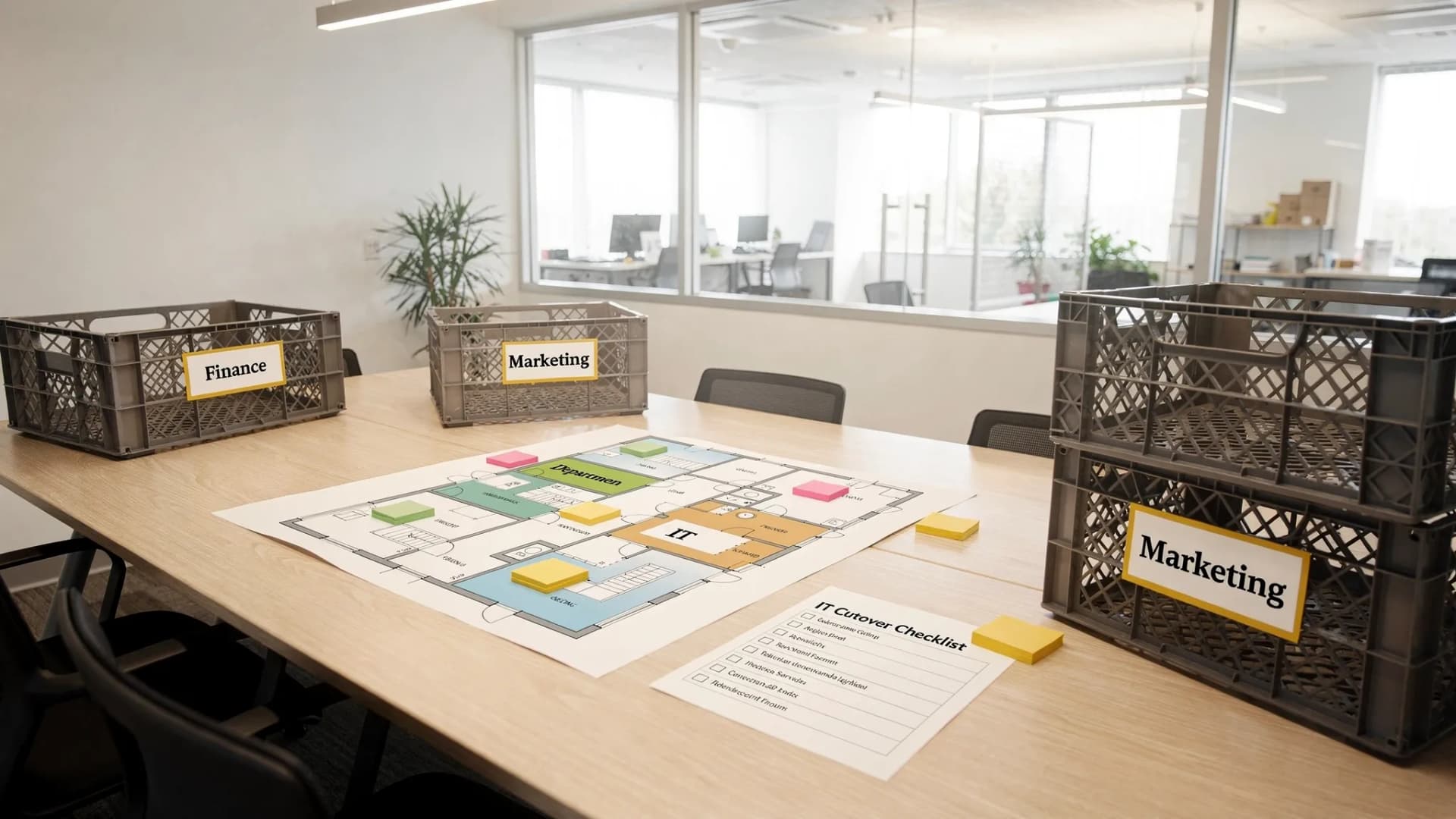
Floor plan, headcount, inventory, move window, building rules
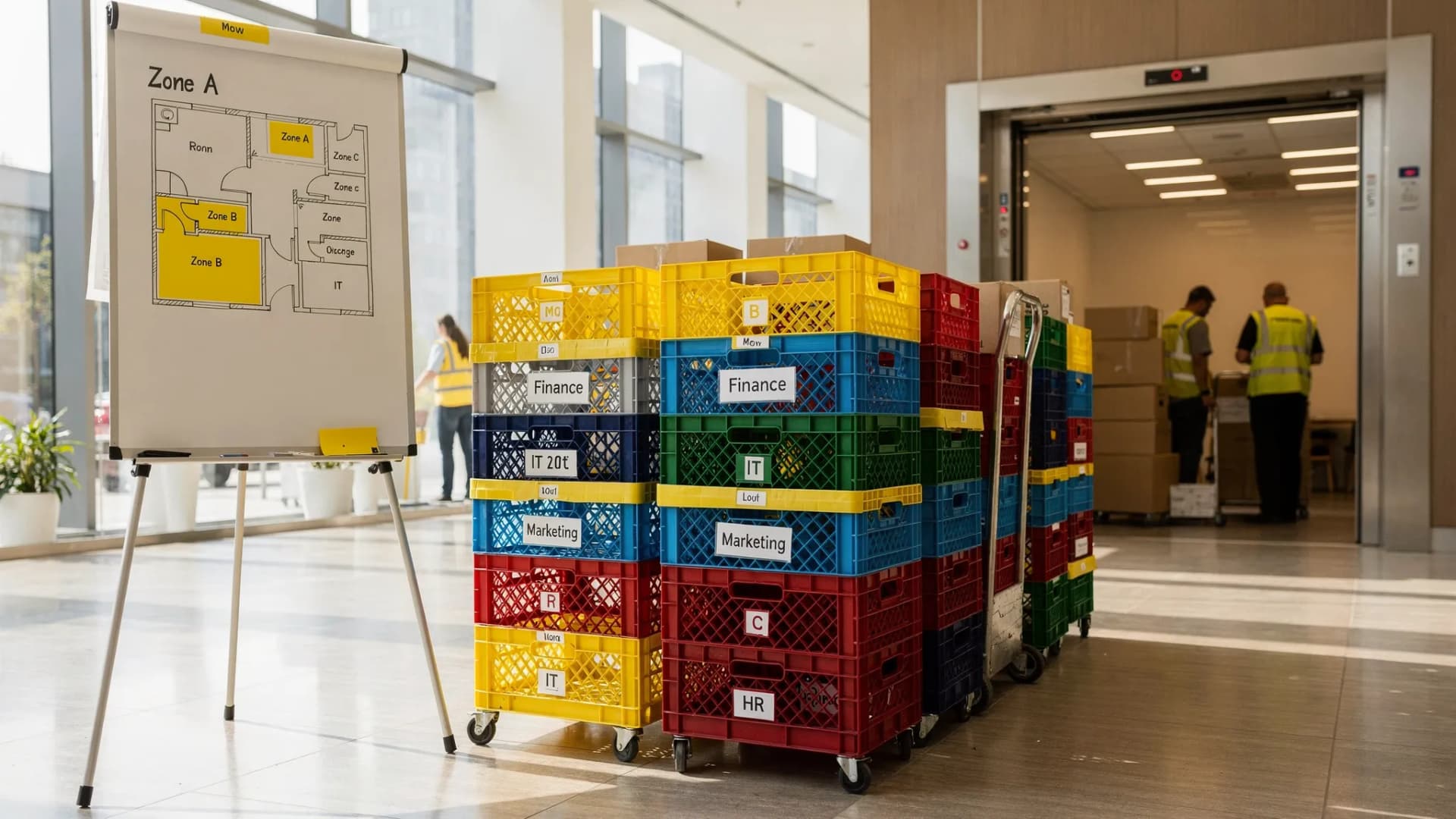
Department labeling rules, crate strategy, “open first” bins
Time lost searching for essentials
Move week
Stage critical areas
Reception, IT, key teams staged for first delivery
Day-one chaos
Move day
Execute the run of show
Command point of contact, check-in/out, issue logging
Delays compound without control
First 72 hours
Stabilize
Fix punch list, confirm tech, adjust layouts
Lingering productivity loss
You do not need a complex project plan to get value from this. You need clear owners for each line.
IT and connectivity: the #1 driver of business downtime
If your business relies on cloud apps, VoIP, Wi‑Fi, printers, scanners, or any onsite equipment, treat IT as a parallel project with a cutover date.
Practical steps that reduce downtime:
Schedule internet early: New service installs and building access can take time. Lock the date and confirm access to the demarc, telco room, or suite.
Build a “minimum viable office” plan: Decide what must work first (internet, phones, key workstations, a conference room), then scale.
Map equipment and dependencies: Label devices and cables by destination. If you are moving network gear, document port mappings and take photos before disconnecting.
Plan for secure handling: Decide who packs and transports laptops, hard drives, and confidential documents, and how chain-of-custody is maintained.
If you are unsure where mover responsibility ends and internal responsibility begins, it helps to review what full-service moving typically covers. This guide on what full-service moving includes (and what it does not) can prevent scope gaps that create downtime later.
Labeling and packing systems that keep teams working
For business moves, the “packing problem” is usually a retrieval problem. Even with perfect handling, your team loses hours if they cannot locate essentials.
Instead of labeling boxes with vague terms like “Office,” use a system that matches your floor plan.
A downtime-friendly approach:
Label by destination first: Suite, floor, room number, or zone (for example, “2F West, Sales, Desk Row B”).
Add owner and priority: Team name, plus a priority tag such as “OPEN FIRST,” “DAY 1,” or “WEEK 1.”
Separate shared essentials: Create clearly marked bins for shared supplies (router accessories, printer cables, reception materials, basic tools).
Professional packing can also reduce downtime because it compresses the timeline and standardizes labeling. If packing errors are a recurring issue in your organization, compare your internal plan to common pitfalls like poor labeling and weak box quality in Zapt Movers’ post on packing mistakes that cost hours.
Move-day execution: run it like an operations “cutover”
A smooth commercial move is less about muscle and more about control. The easiest way to lose a day is to have ten small issues with no single place to resolve them.
Set up a simple move-day operating rhythm:
One business-side “move captain” who can make decisions fast
One mover-side point of contact who can adjust sequencing and crew assignments
A live punch list (notes app or shared doc) to track issues like missing keys, mislabeled crates, furniture placement fixes, or IT-room access
Also coordinate building logistics in advance, including elevator reservations, loading zones, and any requirements for floor protection. These sound administrative, but they are common sources of schedule slip.
Use storage strategically to avoid work stoppages
Storage is not only for “we have too much stuff.” In business moves, it is often a downtime tool.
Storage can help when:
Your new space is not fully ready, but you must vacate the old one
You want a phased move (for example, relocating one department at a time)
You need to stage furniture and equipment so critical teams are set up first
If a mover offers secure storage solutions, you can design a sequence where day-one operations are prioritized, and non-essential items arrive later.
Quote details that directly impact downtime (and how to avoid surprises)
A low quote is meaningless if it excludes the services that keep your team working. For example, an estimate that does not account for building constraints, long carries, elevator coordination, or packing can lead to delays and on-the-spot changes.
When comparing moving companies for businesses, ensure the quote reflects your downtime plan.
Quote item to confirm in writing
Why it matters for downtime
What “good” looks like
Move window and scheduling
You are likely moving after-hours or on a weekend
Specific start time, crew size, and duration assumptions
Building access assumptions
Delays happen when elevators and loading are not reserved
Elevator reservations and loading plan confirmed
Packing and labeling scope
Bad labeling creates day-one productivity loss
Clear responsibility for packing and labeling rules
IT and sensitive equipment handling
Tech disruption is the most common downtime driver
To reduce quote-related surprises (which often become schedule problems), it helps to understand the cost traps that show up during moves. This post on common moving pitfalls that drive up cost is residential-leaning, but the core lesson applies to commercial work too: clear scope prevents last-minute changes.
A practical “day one ready” checklist for businesses
If you want your team productive immediately, aim for these outcomes by the first morning:
Internet live and tested, including Wi‑Fi coverage
Phones or primary communication tools working for customer-facing teams
Reception or entry experience functional (signage, seating, basic supplies)
A conference room ready for meetings, even if the rest are still being set
Shared printers or scanners placed and connected where needed
This is intentionally simple. You can refine later, but hitting these basics prevents most “we cannot work” scenarios.
Bringing it together: the mover choice that reduces downtime
The best moving companies for businesses behave like partners in operational continuity. They ask about your critical services, your move window, your building constraints, and your sequencing, and they document the scope so move day does not become a negotiation.
Zapt Movers provides commercial moving services in California, including professional packing, specialty item handling, secure storage solutions, and transparent upfront pricing. If you are planning an office or business relocation and want to minimize downtime, start with a clear scope and then request a quote from a licensed, insured team you can schedule with confidence.
You can learn more about planning and questions to ask in the guide to commercial movers, then visit Zapt Movers to get started.
Let’s Make Your Next Move Effortless and Worry-Free
Get a free, no-obligation moving quote in under 60 seconds. Our team is available 7 days a week to answer your questions and help you plan the perfect move. Call us, fill out our form, or book online — we’ll take it from there.
Let’s Make Your Next Move Effortless and Worry-Free
Get a free, no-obligation moving quote in under 60 seconds. Our team is available 7 days a week to answer your questions and help you plan the perfect move. Call us, fill out our form, or book online — we’ll take it from there.
Let’s Make Your Next Move Effortless and Worry-Free
Get a free, no-obligation moving quote in under 60 seconds. Our team is available 7 days a week to answer your questions and help you plan the perfect move. Call us, fill out our form, or book online — we’ll take it from there.